Yuuna

Yuuna

A lightweight TypeScript game engine.

Drop it into a page and it's running — no editor, no build step. Describe your game as a state, a render(state) function, and a nextState({ state, event, keyboard }) function, and Yuuna owns the render loop, input handling, and canvas drawing.

npm install yuuna-engine
Small, on purpose

Just a render loop and a state machine for canvas games — light enough to go from idea to playable in minutes.

One state machine

Clicks, hovers, mouse movement, and frame ticks all flow through a single nextState function.

Runs in the browser

No build step required — drop the browser bundle in a <script> tag and start prototyping, like the playground below.

Examples

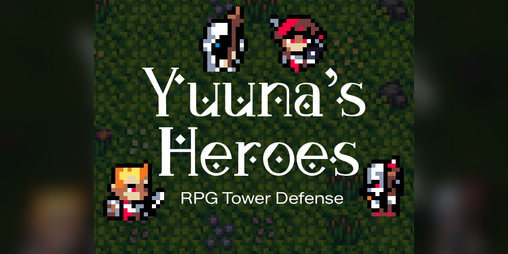
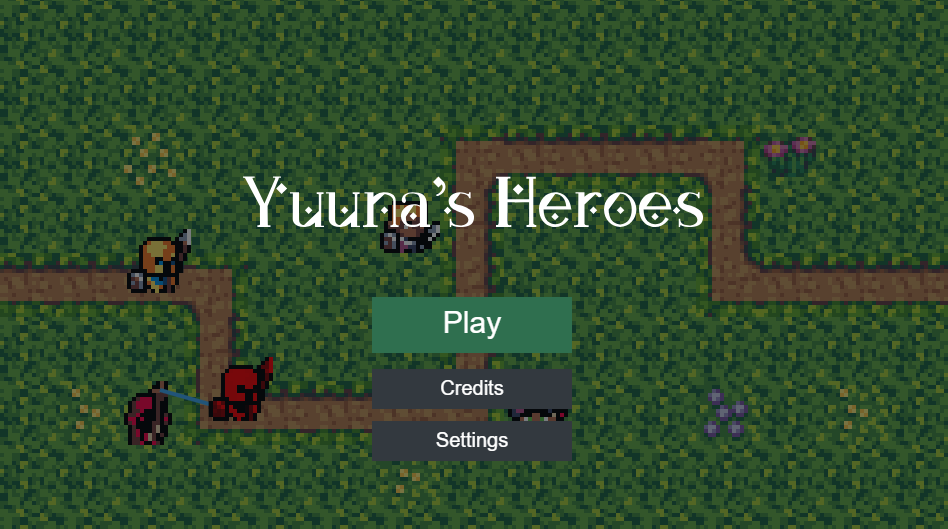
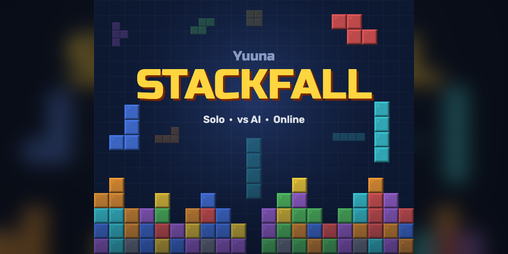
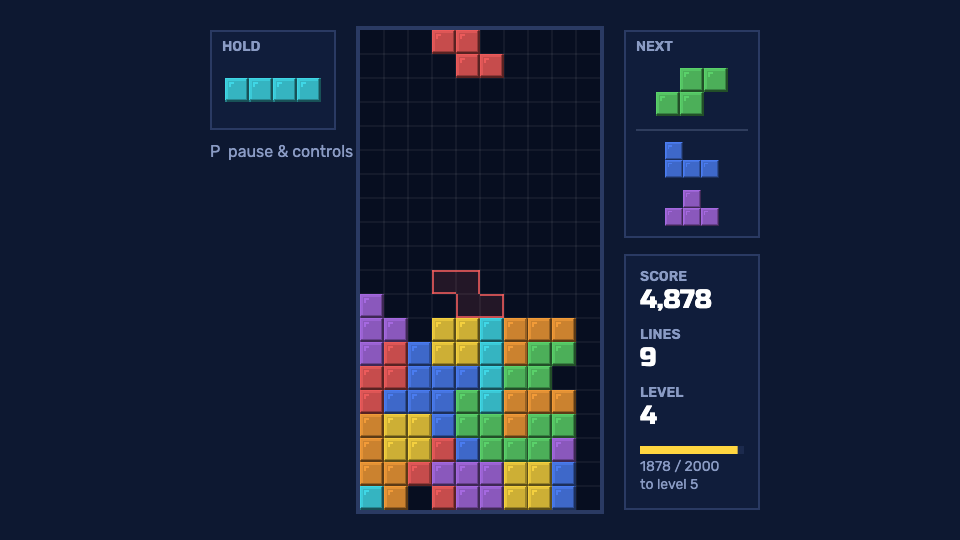
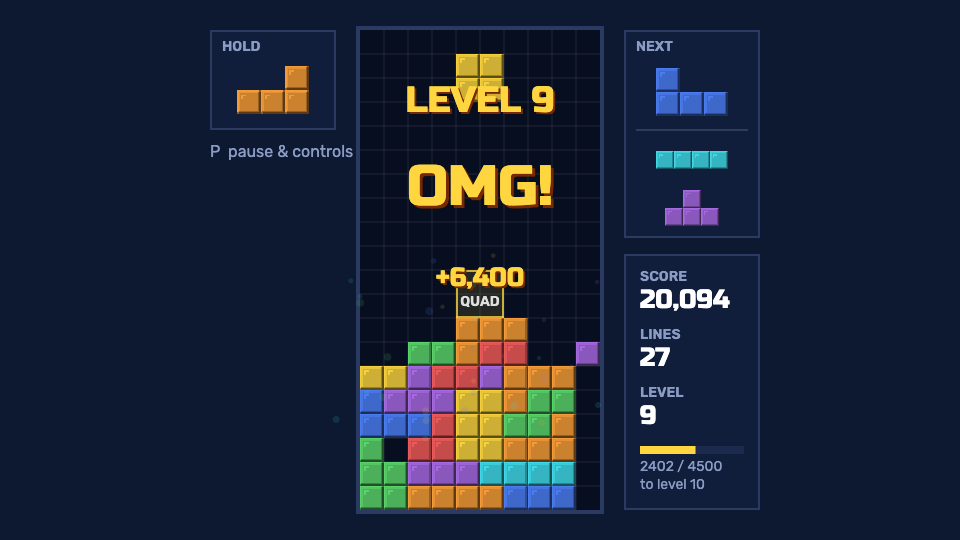
Everything in examples/ — full games and small, focused snippets for one concept at a time. Click one to open it in the playground below.

Games
Feature examples

Try it live

Edit the TypeScript below — the canvas above runs it as you type. Pick a full game from Games below, or a small, focused snippet for one concept at a time from Feature examples.

Preview:
Editor:
ASSETS
Upload art/audio, then paste its copied path into a resource's src.

Templates

Prefer a working starting point over typing the quick start out by hand? Copy one of these with degit — it copies the folder without cloning the whole engine repo:

blank

A single index.html, zero install — open it in a browser and it runs.

npx degit lucy-dot-exe/yuuna/templates/blank my-game
npm

TypeScript + a dev server with hot reload (via Vite), for a real local project.

npx degit lucy-dot-exe/yuuna/templates/npm my-game
neutralino-desktop

The npm template wrapped in Neutralino to run as a native desktop window.

npx degit lucy-dot-exe/yuuna/templates/neutralino-desktop my-game

Each template's own README (in the folder above) has more on running it once copied — see the templates directory on GitHub.

Games built with Yuuna

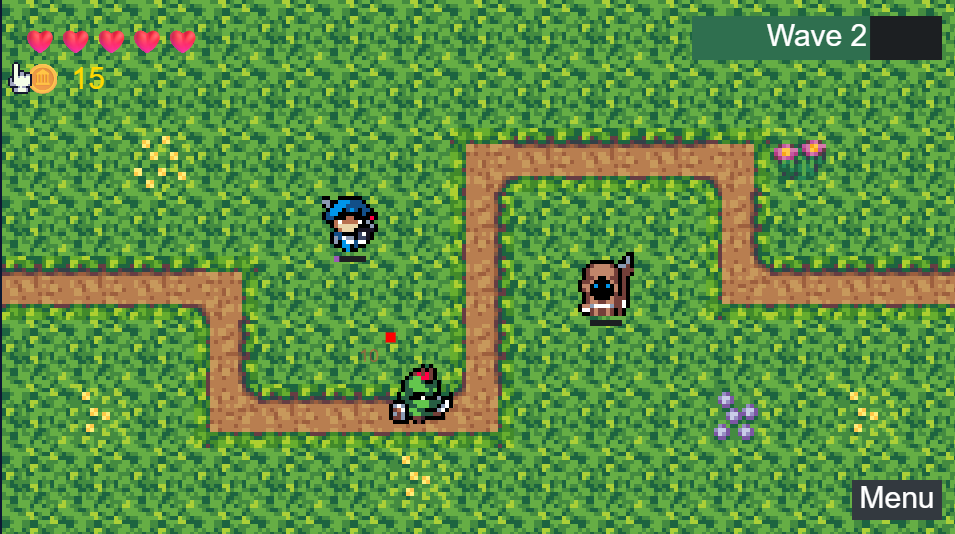
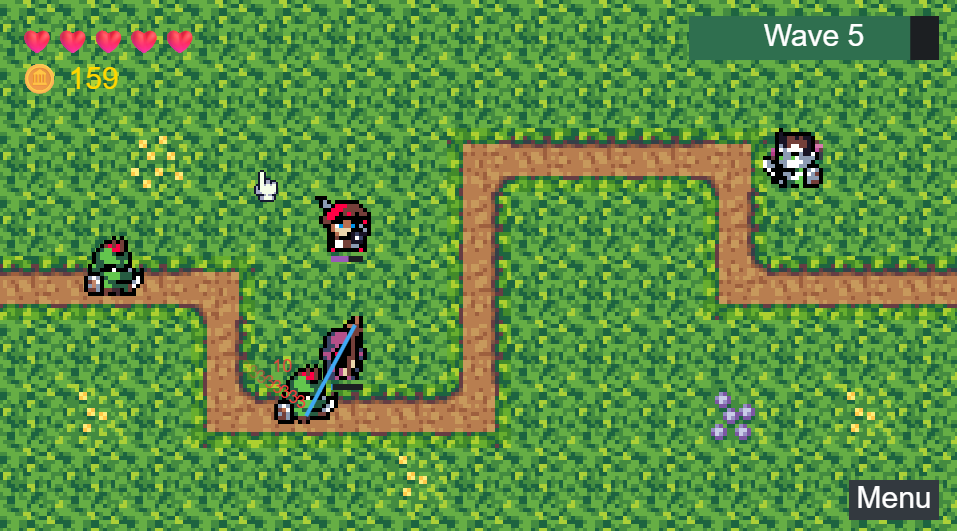
Real projects made with the engine.