Yuuna

Yuuna

A lightweight TypeScript game engine.

Drop it into a page and it's running — no editor, no build step. Describe your game as a state, a render(state) function, and a nextState({ state, event, keyboard }) function, and Yuuna owns the render loop, input handling, and canvas drawing.

npm install yuuna-engine
Small, on purpose

Just a render loop and a state machine for canvas games — light enough to go from idea to playable in minutes.

One state machine

Clicks, hovers, mouse movement, and frame ticks all flow through a single nextState function.

Runs in the browser

No build step required — drop the browser bundle in a <script> tag and start prototyping, like the playground below.

How to model a game

Every Yuuna game comes down to three things — a state, a nextState function, and a render function. This walkthrough builds that idea up step by step, using Cookie Clicker — Yuuna's smallest example — as the running example.

Yuuna · modeling a game
1 / 9
The basic game structure

State. Next state. Picture.

Step 1 of 3

Declaring a GameState

the smallest shape that describes what's on screen
type GameState = { ... }
Step 1 example

Cookie Clicker's game state

// Create a type for the state of your game
type GameState = { cookies: number };

// Create the initial state
const initialState: GameState = {
  cookies: 0,
};
Step 2 of 3

Creating the Render function

given a state, what do we draw?
the render(state) → picture function
Step 2 example

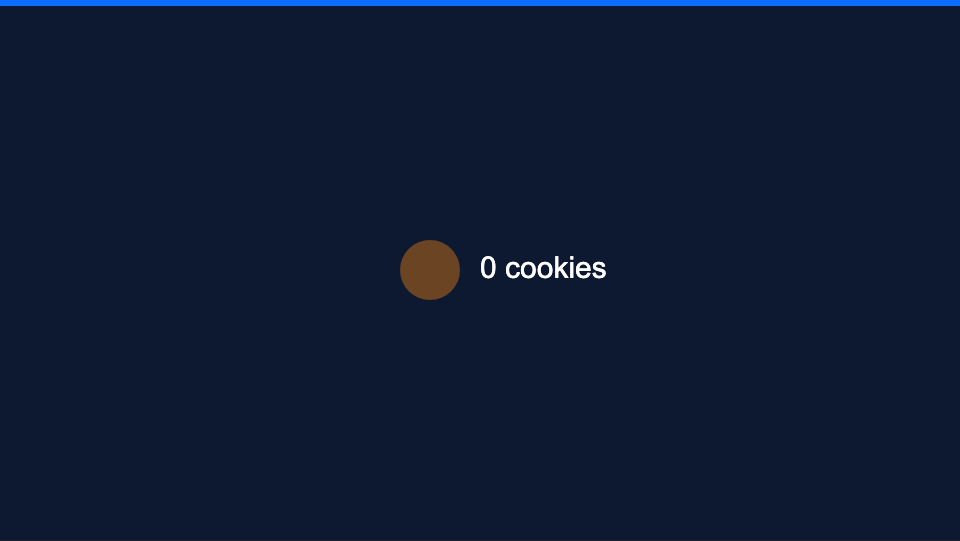
Cookie Clicker's render function

Cookie Clicker rendered: a brown cookie and the label 0 cookies
// Renders a clickable circle
Yuuna.circle({
  id: "cookie",
  isClickable: true,
  color: "#6B4423",
  position: { x: 430, y: 270 },
  radius: 30,
}),
Yuuna.text({
  text: `${state.cookies} cookies`,
  color: "white",
  position: { x: 480, y: 270 },
  align: {
    x: "left",
    y: "middle",
  },
}),
Step 3 of 3

Creating the NextState Function

given state + an event, what's next?
the nextState(state, event) → state function
this is the reducer pattern — same shape as a Redux reducer or useReducer
Step 3 example

Cookie Clicker's NextState function

Step 3 example

Cookie Clicker's NextState function

const nextState: NextStateFunction<GameState> = (props) => {
  // If the event is a "cookie is clicked" event
  if (props.event.tag === "CLICK" && props.event.id === "cookie") {
    return {
      // Sums 1 in the cookies counter
      cookies: props.state.cookies + 1,
    };
  }

  // Else, state remains unchanged
  return props.state;
};
The shape of every Yuuna game

State. Change. Picture.

state
nextState
render
nextState(state, event) → state
render(state) → picture
use the arrows, dots, or ← / → keys

Try it live

Pick a game below — the canvas and editor underneath load it instantly, and you can edit the TypeScript as it runs.

Preview:
Editor:
ASSETS
Upload art/audio, then paste its copied path into a resource's src.

Looking for something smaller? See all examples, including small, focused snippets for one concept at a time.

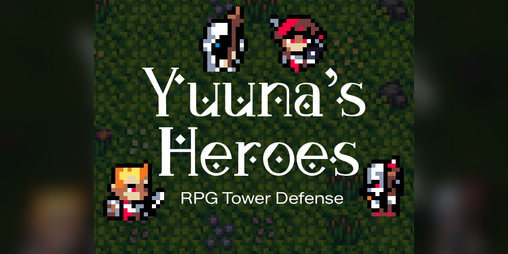
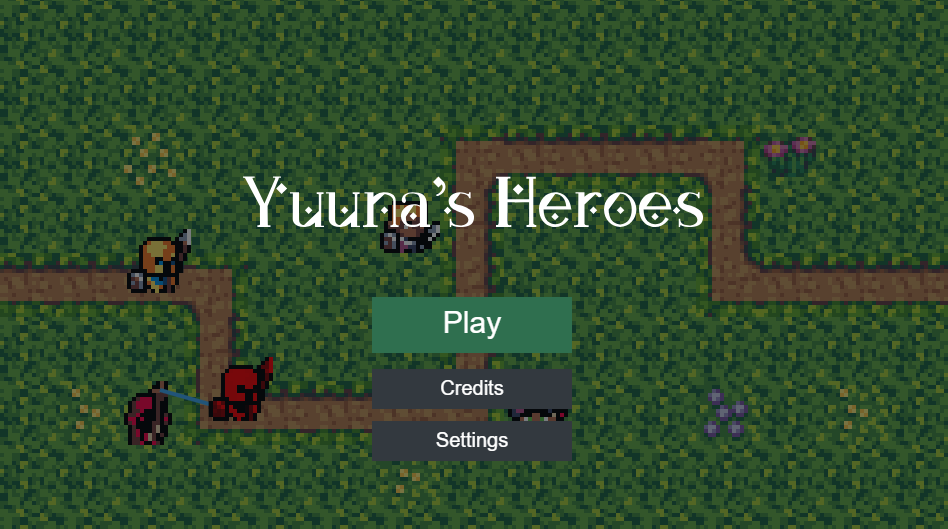
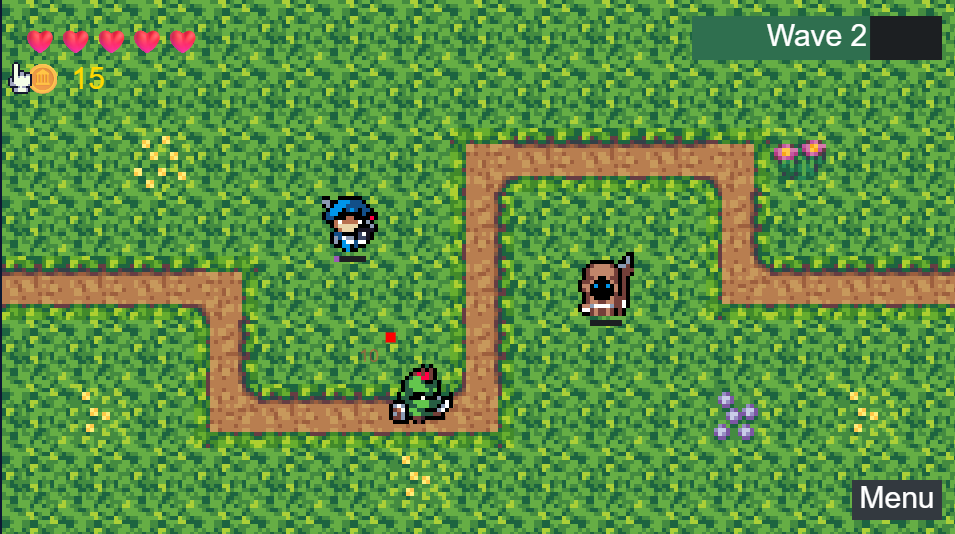
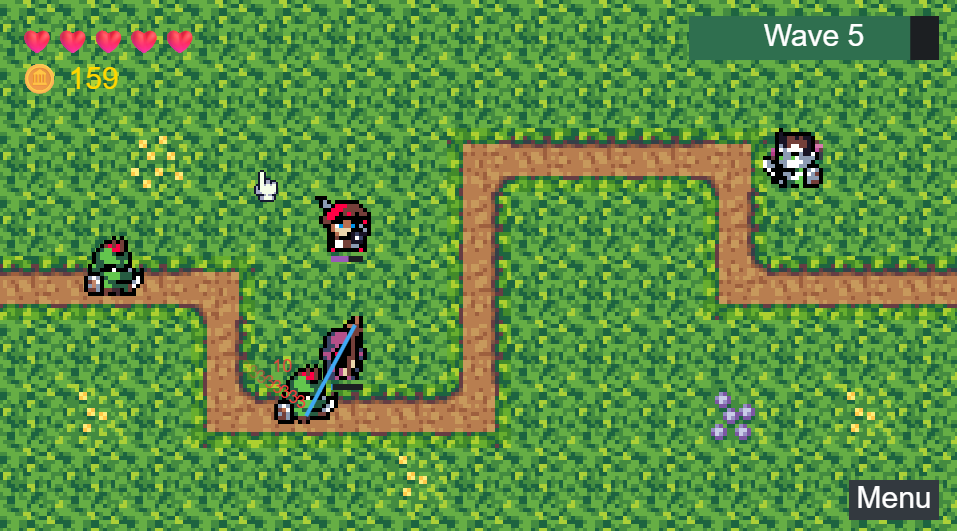
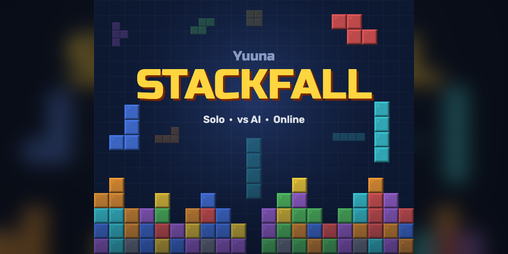
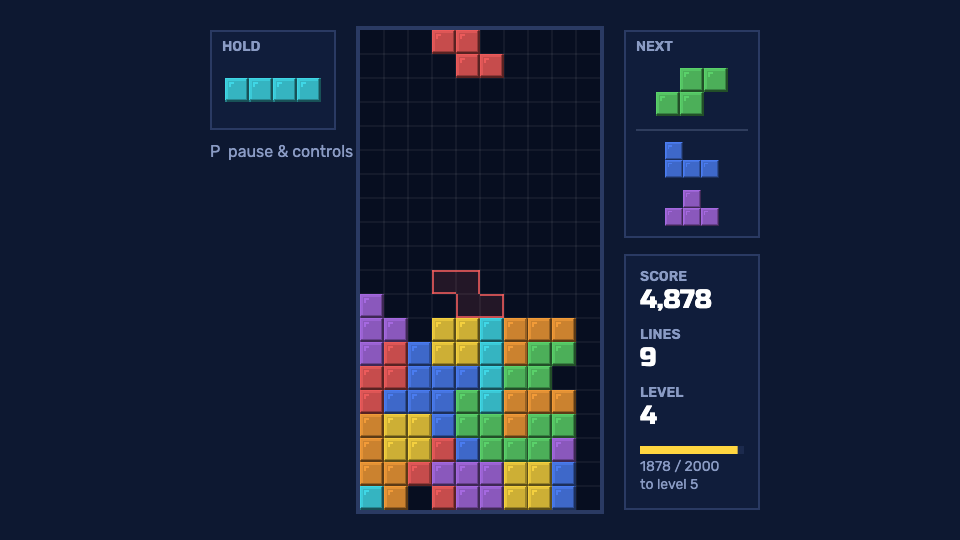
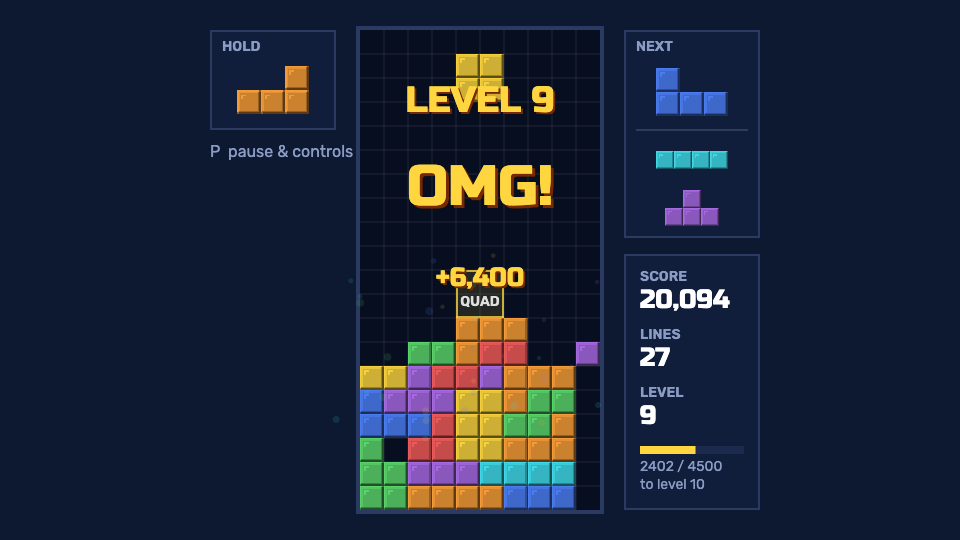
Games built with Yuuna

Real projects made with the engine.

Templates

Prefer a working starting point over typing the quick start out by hand? Copy one of these with degit — it copies the folder without cloning the whole engine repo:

blank

A single index.html, zero install — open it in a browser and it runs.

npx degit lucy-dot-exe/yuuna/templates/blank my-game
npm

TypeScript + a dev server with hot reload (via Vite), for a real local project.

npx degit lucy-dot-exe/yuuna/templates/npm my-game
neutralino-desktop

The npm template wrapped in Neutralino to run as a native desktop window.

npx degit lucy-dot-exe/yuuna/templates/neutralino-desktop my-game

Each template's own README (in the folder above) has more on running it once copied — see the templates directory on GitHub.